
DeepDojo.AIPublished 2026-11-08Updated 2026-11-10中文
A Seven-Day Plan for Learning AI From Zero
You've been through choosing a task, writing a request, running a workflow, and checking results. What should next week's practice look like? A personal plan has to start from what you've actually done, so gather what you already have: your judgments about scenarios, your conversations, your output checks, and your risk notes.
If you haven't tried one of those yet, mark it as having no evidence and run a small task to fill the gap. One operations employee's records are enough to build three practice scenarios, a seven-day plan, a request template, and four risk rules.
Take one operations employee as an example. Looking back at their records, they find that when given the event plan, Claude organizes an introduction step by step; when told only to "polish it," the answer often turns into a slogan; and they themselves once missed a promise that wasn't in the plan.
So this week they first practice stating the rewrite standard clearly, then checking against the plan. Next they pick three real scenarios from their own work, schedule one thing a day over seven days, and keep the result and the check each day.
A request that worked well becomes a reusable skeleton, and the risk checks in use land at specific points. After this round, pick an advanced route based on what is still weak.
01 Decide what to practice first
Say an operations employee reviews their records and finds three things:
- Given an event plan, Claude can organize the introduction by section.
- When the request is only "polish this," the answer often turns into promotional slogans.
- They themselves have missed promises that weren't in the plan.
So for now the priority is to state the rewriting standard clearly and then check against the plan. Automation can wait.
First decide which real task you most want to improve over the next week, then think about which features you need. A weekly report, reading comprehension, meeting to-dos, or a client email can all work. What matters is that you run into it often and have a process you can look back on.
When you review your conversation records, write down that task and then your weakest step: unclear goal, missing material, vague follow-up, or too little checking. Plan the week around it.
02 Pick three scenarios that suit you
The standards for choosing a task still apply: it's real, small, has material, can be revised, and can be checked, with manageable consequences if it goes wrong. For the full explanation, see Your First AI Task Is in What Stalled You Last Week. Now screen again against your current priority.
For this employee, the three candidates below are a starting point to pick from or adjust:
| Scenario | Current difficulty | Claude's contribution | Result and check |
|---|---|---|---|
| Write a short talk | Scattered points and unclear audience background | Organize a draft from the audience description and existing points | Check facts and whether the audience can understand the main message |
| Organize a source | Definitions and conditions are mixed together | Extract definitions, examples, and considerations | Trace each to the original without losing conditions |
| Design questions for event feedback | Vague questions, answers hard to compare | Propose questions and assessment criteria | The employee judges whether they answer what the review needs to ask |
These three tasks practice expression, checking material, and designing criteria. Claude can propose candidates, and you choose, revise, and judge according to what you need.
In real use, swap in your own tasks and available material. If one of your three is "redo a whole event," shrink it to one stage. If it's only "a better draft," add a way to check against the source and the reader's requirements.
Once you've chosen, connect the task and the difficulty in one sentence: "I often rewrite event introductions, but I keep missing promises that weren't in the plan." That shows what to practice this week.
03 Lay out a seven-day plan
A seven-day plan is only a practice schedule. Whether you're getting better shows in the results. Each day, pick one clear action and keep the result and the check, so you know whether to repeat or adjust. Adapt this plan freely: put your own real task in each day, and give your weakest step an extra day.
| Day | Main action | What you keep | How to check |
|---|---|---|---|
| Day 1: Explain | Explain an unfamiliar concept in your current task | A concept explanation card | Compare with a reliable source and explain it through your own example |
| Day 2: Rewrite | Revise a passage you actually need | Before-and-after versions | Confirm preserved meaning and identify specific improvements and remaining problems |
| Day 3: Summarize | Summarize a short article or passage | A five-point summary | Trace all five points to the source and retain important conditions |
| Day 4: Plan | Break a limited goal into three to seven days of actions | A small planning table | Check that each day's task and result can be completed in the time available |
| Day 5: Use a file | Extract specified information from material you may use | A structured information table | Trace fields to the source and mark unknowns |
| Day 6: Verify | Check facts and uncertainties in an answer | A list with verification results | Consult the original or reliable sources |
| Day 7: Combine | Complete a real small task with the basic workflow | Request, draft, review, and revision records | Check against the original goal and identify what still awaits confirmation |
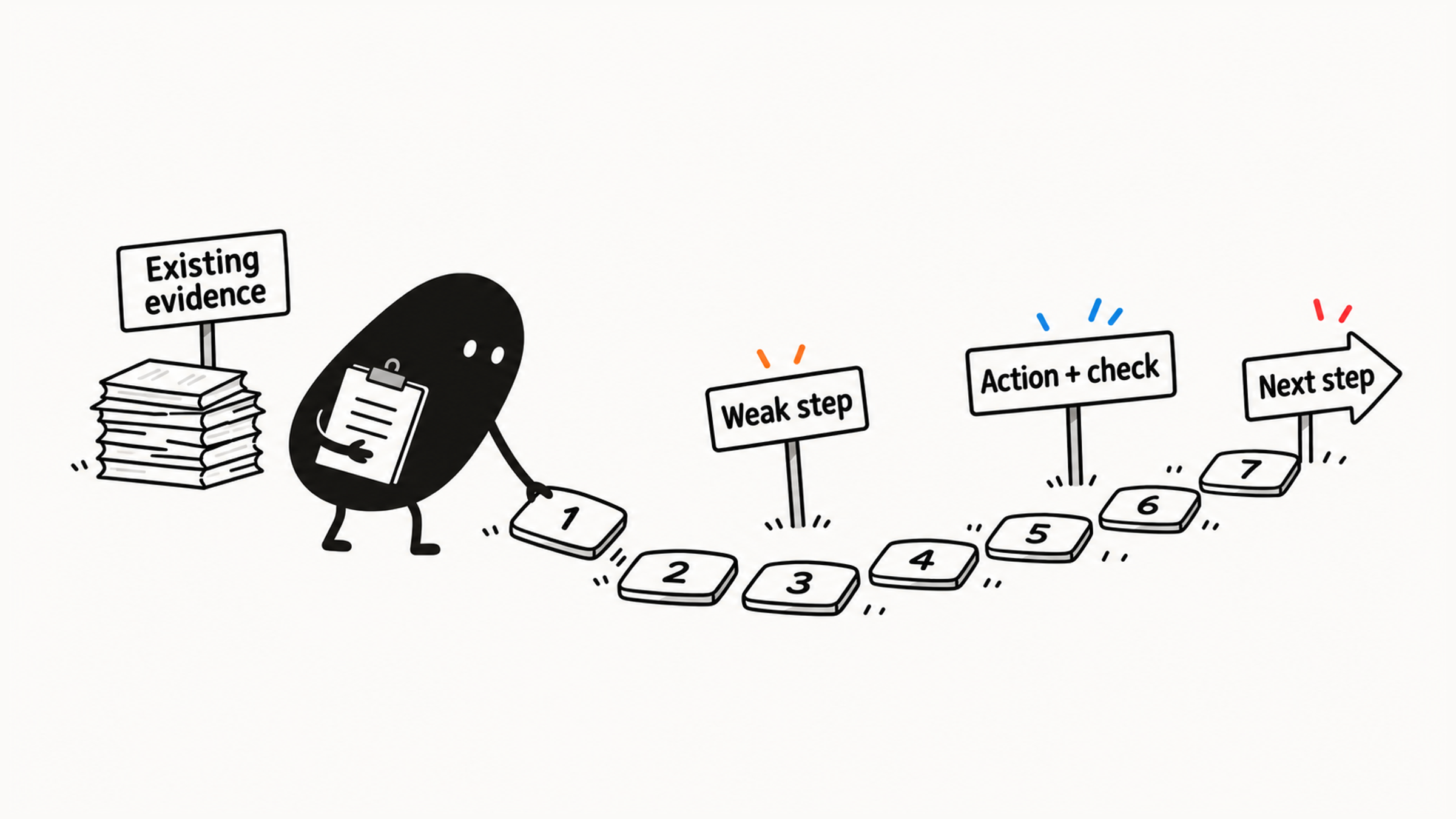
"Learn Research, set up a Project, and finish an industry report" in one day crams several new capabilities and outputs together. If all you lack is a sense of recency, narrow it to "check the current official description of one feature, and record the date and conditions."
Size the practice to your real time. If you can't read the source in half an hour, shrink the task and keep the check.
Each day you can leave brief notes by answering three questions:
What did I ask Claude to do today?
Which step did Claude help with most?
How can I make my request clearer next time?
Attach specific evidence: "adding the reader removed unnecessary technical detail" beats "it worked well today."
At the end of the seven days, put the notes together and compare whether your requests, checks, and revisions became clearer. Whichever step is still weak, practice it first in the next round.
04 Build a reusable request framework
When a request works well, identify the conditions that helped. You may have supplied the right source, stated a clear goal, or chosen a suitable format. Take those conditions with you when you reuse it, and replace only this task's people, dates, and facts with variables:
Who I am:
My task scenario:
The goal I want to achieve:
What I want you to do:
Materials for this task and their sources:
Output format:
Other considerations:
If you are uncertain, say so directly rather than guessing.
Refill the goal, materials, reader, constraints, and format each time. Leave client privacy and the previous task's facts out of the framework. Select fields according to the task, and fill in only the relevant background.
Try it on another similar passage to see whether the framework still works. If it works well several times, keep using it.
When revising the framework, use Claude’s help-center prompting principles as a check: clear instructions, relevant context, smaller steps for complex requests, and feedback on the result.
05 Put the risk checks into practice
"Remember to verify" doesn't yet say how. You can record a concrete check for each of four points in the process:
Before uploading: Remove or replace sensitive information unrelated to the task.
Before using facts: Check the original or authoritative sources; for current information, check sources and dates.
Before public release: Have a person review facts, privacy, copyright, and wording.
Before important decisions: Use Claude to organize supporting information; retain final confirmation with yourself, relevant professionals, or authoritative channels.
These rules sit at different points because errors arise at different stages. Information can't be taken back once uploaded, so deal with it before uploading. Checking before you adopt a claim gives you a chance to catch added facts. For the reasoning behind each point, see Can You Trust an AI Answer? Check by Risk.
Make each rule specific to your scenarios. Before publishing an event introduction, check its promises against the plan. Before sending a client email, verify dates and approved measures. Before saving an information card, identify anything absent from the source.
Checking sources follows Claude’s official usage advice, especially for recommendations and supporting references that affect important decisions.
06 Choose a path for further learning
Once your near-term task and weak spot are clear, choose one main route and add other capabilities as needed.
| Route | Current need it serves | Main practice and entry conditions |
|---|---|---|
| Everyday productivity | Routine tasks for students, early-career professionals, and others | Explanation, summarizing, rewriting, and planning; start with a real small task |
| Prompting | Basic operation is familiar, but outputs often miss the goal | Goals, context, examples, format, and iteration; existing outputs help locate the problem |
| Files and projects | Repeated source use or an ongoing topic | File, Project, and organization of materials and instructions; actual sources and a continuing need |
| Research | Current evidence, multi-source analysis, or reports | Web Search, Research, and source checking; ability to bound a question and assess support |
| Developer | A real code project or product integration need | Claude Code, APIs, and tool integration; foundations in code review, version control, and judging execution risks |
Turn the route into a step you can start next week. Using this employee's records, if the main problem is missed promises, start by finding the unsupported claims in one introduction, then add the standard and compare the rewrites.
If you'll maintain event materials every week, organize the current plan, versions, and shared requirements for one topic, and weigh whether a Project is worth maintaining. The routes can work together, but this week needs a primary one. If a required foundation is missing, build it first and add tools afterward.
If you have no records yet, run a few small related tasks first. If the evidence shows one step is unstable, put it ahead of the next round. Once you've put together "My AI Getting-Started Plan," you should be able to explain in your own words your near-term priority, three scenarios, daily practice, risk baseline, and conditions for moving on. Adjust the plan as your real tasks and practice results change.
You can practice these methods with a different AI assistant too. When you choose a model, upload a file, or search, check how that tool works.