
DeepDojo.AIPublished 2026-11-12中文
How to Write a CLAUDE.md That Claude Actually Uses
Your repository standardizes on pnpm. You open a new session, ask Claude Code to install dependencies, and it runs npm install. Another day it pulls a Next.js type into domain/, a directory that is supposed to stay framework-free. The code runs, but none of the team's conventions survived, so you explain them all over again.
The trouble is that those conventions aren't in the code. Code shows how functions connect. It doesn't record decisions like "run typecheck after changing TypeScript" or "the domain layer never depends on the framework." When Claude can't see them, it falls back on common practice.
CLAUDE.md is where those decisions live. It loads automatically at the start of each session, so Claude has less to guess. The hard part is deciding what goes in and how to phrase it. Every line enters context on every task, so a bloated file crowds out attention, and a line like "write high-quality code" gives Claude nothing it can act on.
A useful CLAUDE.md comes down to three habits:
- keep only conventions that recur across sessions and are hard to infer from code;
- write every rule with a trigger, an action, and a way to check it;
- start from a
/initdraft, then add the team decisions code can't express.
The sections below walk a TypeScript project's rules from selection through to a starter template.
01 Without Conventions, Claude Falls Back on Common Practice
Saving the team conventions you repeat cuts down on explaining them in every new session. When those details are missing, Claude may fill the gap with a common practice. The code can run fine and still miss the project's requirements. For example:
- the repository uses
pnpm, but Claude runsnpm install; domain/must remain framework-independent, but Claude imports a Next.js type;- the team prohibits
any, yet generated code still uses it; - authentication changes require focused tests, but Claude performs only a syntax check.
Start by saving durable conventions that affect how work gets done and are hard to see in the code. When a new session loads CLAUDE.md, Claude has fewer team requirements to guess.
02 What Belongs in Persistent Context
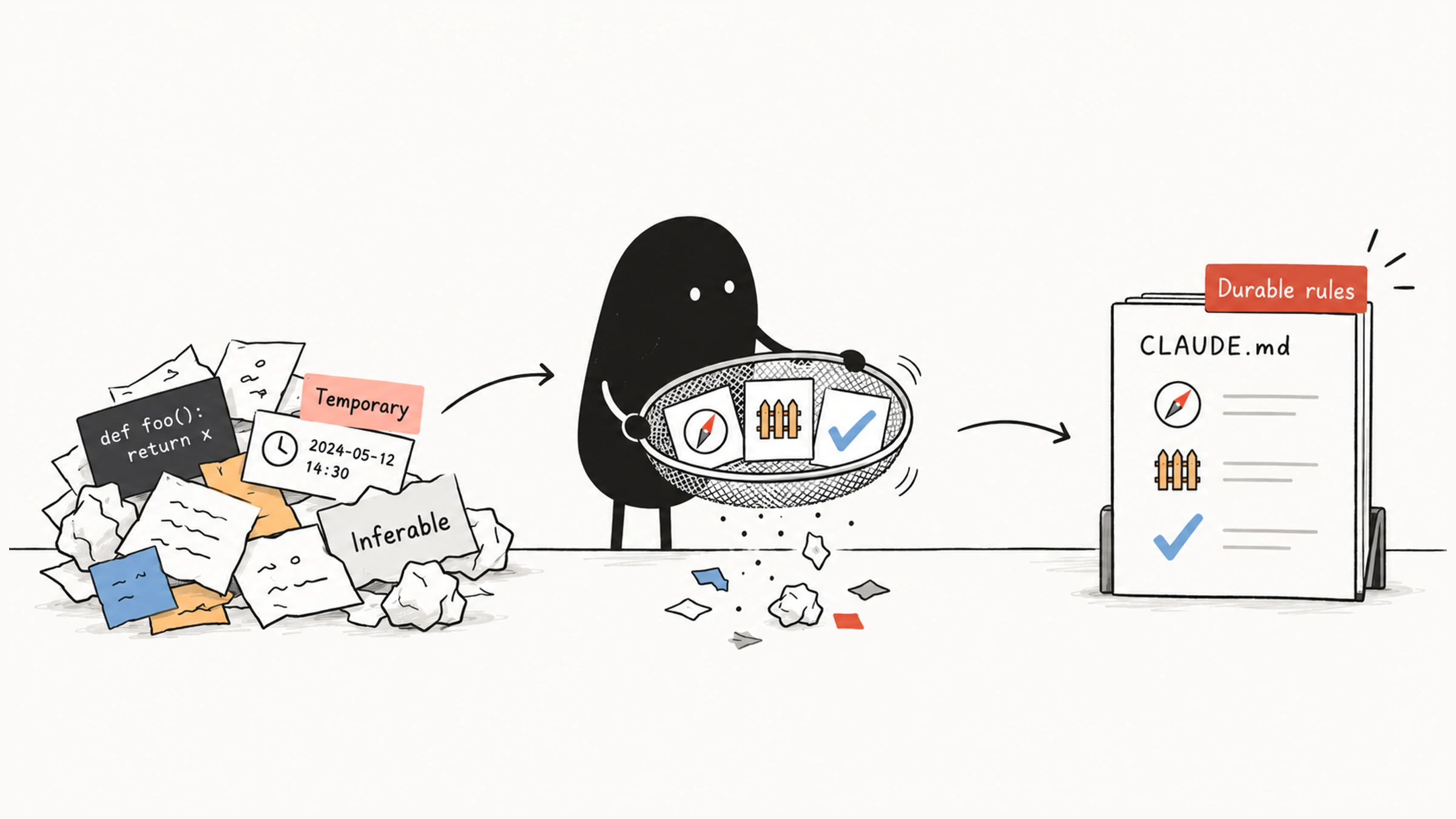
When you have a piece of project guidance in hand, check it against two conditions:
- It will be used across many sessions.
- Claude would struggle to infer it accurately from code alone.
Try those conditions on three examples:
| Information | What to Do |
|---|---|
The team uses pnpm and prohibits mixing it with npm | Keep it. It recurs, and a lockfile doesn't explain the decision to prohibit mixing tools |
There are 42 source files, with src/index.ts as the entry point | Inspect the directory when needed |
Three remaining refactoring tasks are in TODO.md | Keep them in the current conversation or task list and update them with the work |
Start with the project's purpose, technical boundaries, directory responsibilities, and dependency direction. Then add real commands and their order, project-specific coding rules, safety and collaboration conventions, and checks for frequent mistakes.
Anthropic's Claude Code best practices set almost the same bar. Because CLAUDE.md loads into every session, each line takes a little of Claude's attention on every task, so the file works best when it holds only what Claude couldn't work out from the code. The guide names four kinds of content: the exact commands for confirming work, places where the code is misleading, decisions that aren't in the repo, and anything you've had to correct twice.
03 Turn Project Facts into Actionable Instructions
These instructions turn project facts into requirements Claude can act on:
# Project Overview

- The frontend uses Next.js App Router and TypeScript. All database access goes through Prisma.
- Authentication is provided by `src/server/auth/`. Business modules do not parse login cookies.

# Directory Responsibilities

- `src/app/`: pages and route entry points; no database queries.
- `src/server/`: server-side business orchestration.
- `src/domain/`: domain types and pure business rules; no framework dependencies.

# Validation Commands

- After changing TypeScript, run `pnpm typecheck` first.
- After changing `src/server/auth/`, run `pnpm vitest src/server/auth`.
- Run the full `pnpm test` suite only for cross-module changes.
The directory boundaries and validation order above come from team decisions. Keep a brief project overview, design intent, interface boundaries, and project-specific checks. Look up detailed code information when you need it, and leave general syntax and promotional descriptions out of persistent guidance.
Once you have more than a handful of rules, which file holds them and when it loads also decides whether they take effect. See where to put team and personal rules in CLAUDE.md.
04 Every Rule Should Be Checkable
A rule should tell you when to act, what to do, and how to check it. "Write high-quality code" offers none of that. Compare these versions:
| Vague Instruction | Actionable Instruction |
|---|---|
| Test changes thoroughly | After changing src/server/auth/, run pnpm vitest src/server/auth |
| Do not break the architecture | domain/ must not import from app/, adapters/, or Next.js |
| Protect sensitive information | Do not read or commit .env*; use obvious placeholder credentials in examples |
| Change as few files as possible | Modify only files needed for the current task; report unrelated issues without adding a refactor |
"After changing the database model, run the migration check and list generated files" makes the trigger, the action, and the result easy to see.
Take the authentication rule: changing src/server/auth/ is the trigger, running pnpm vitest src/server/auth is the action, and the command record and test result are the evidence. Swap in the paths and commands your project actually uses.
The Claude Code memory documentation is blunt about why this matters. Claude treats CLAUDE.md as context, not enforced configuration, so how you write instructions affects how reliably Claude follows them. The docs recommend instructions "concrete enough to verify," such as "Use 2-space indentation" instead of "Format code properly," or "Run npm test before committing" instead of "Test your changes."
Rules also need to agree with each other. If the global file defaults to npm while a project requires pnpm, change the global rule to "use the package manager that matches the project's lockfile," and let project instructions name the tool. The docs also warn that when two instructions contradict each other, Claude may pick one arbitrarily.
05 Draft with /init, Then Add Team Decisions
From the project root, run:
/init/init analyzes the codebase and generates a starter file with build commands, test instructions, and the conventions it finds. If a CLAUDE.md already exists, it suggests improvements rather than overwriting the file.
Review the dependencies and directories in the draft, then add the team decisions code can't express: why directories are separated, what order tests run in, and which mistakes to check for early. Clear out vague, duplicate, conflicting, and outdated lines before you verify loading and behavior.
Whether Claude follows a rule once it's in the file is a separate question. To check whether it loaded, whether the trigger applied, and whether the check ran, use the troubleshooting order in why Claude Code ignores your CLAUDE.md rules.
06 A Starter Template
# Project Overview and Boundaries

- Describe the project's purpose, main technology stack, and technical boundaries.

# Directory Responsibilities

- Describe the responsibilities and limits of entry, service, domain, and test directories.

# Development and Validation

- List the actual commands and conditions for installing, starting, running related tests, and minimum checks.

# Coding and Collaboration

- Describe project-specific rules, dependency boundaries, and frequent mistakes.
- Read the module and its tests before changing them, and modify only what the current task needs.
- Report the actual changes and the checks that ran when you finish.
After replacing the placeholders with project facts, ask three questions:
- Is this worth keeping long term?
- Can someone follow it and check that it happened?
- Does its location match the scope it applies to?
Back to that pnpm repository: once "the team uses pnpm and never mixes in npm" is in CLAUDE.md, Claude has something to go on in the next session. Get these requirements written down clearly, and you'll find yourself repeating far less every time a new session starts.